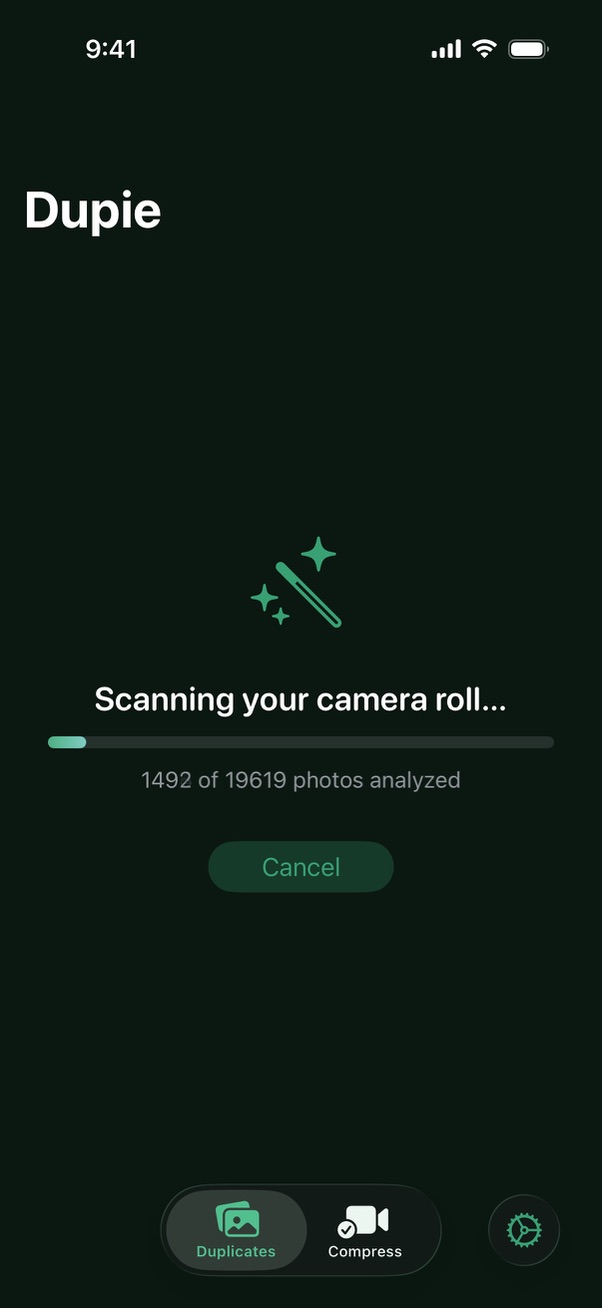
Open Dupie and scan for duplicates
Open Dupie on your iPhone. The first time you launch it, you'll be asked to grant access to your photo library — tap Allow Full Access. Then tap Scan for Duplicates on the main screen. Dupie's AI will scan your entire photo library — every photo, every burst, every screenshot. Your photos never leave your device.
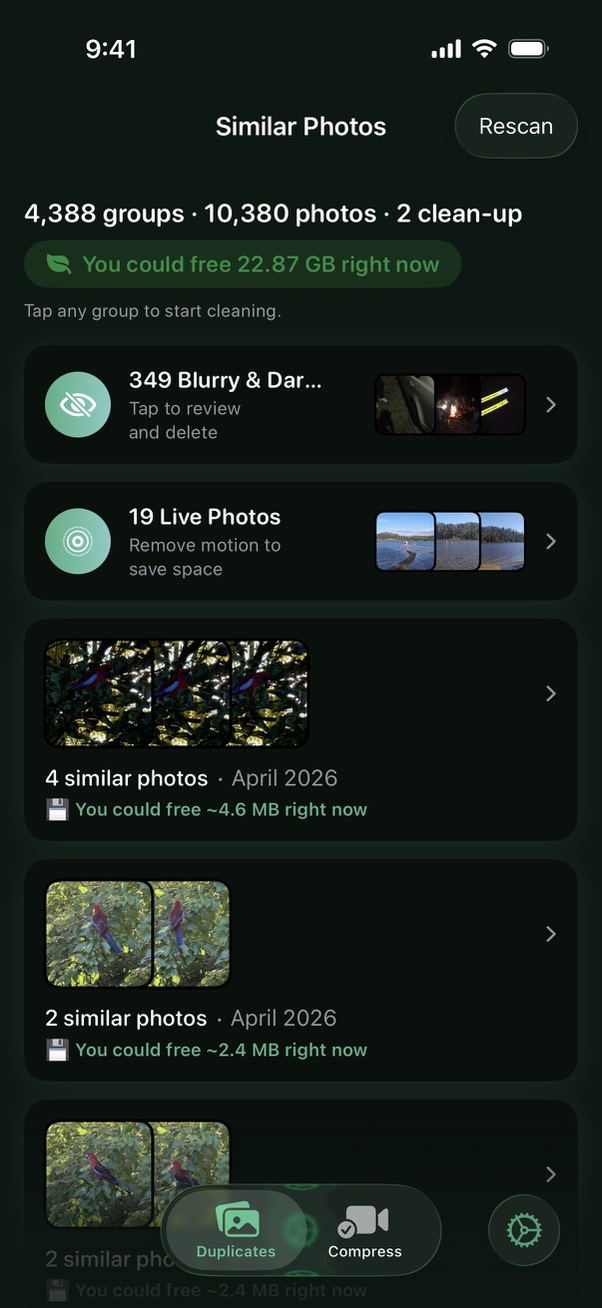
Review your duplicate groups
After scanning, Dupie shows you groups of duplicate and similar photos. Each group displays the photos in a gallery style format and highlights which one it recommends keeping, based on sharpness, lighting, and composition. You can pinch and zoom on any photo to take a closer look.
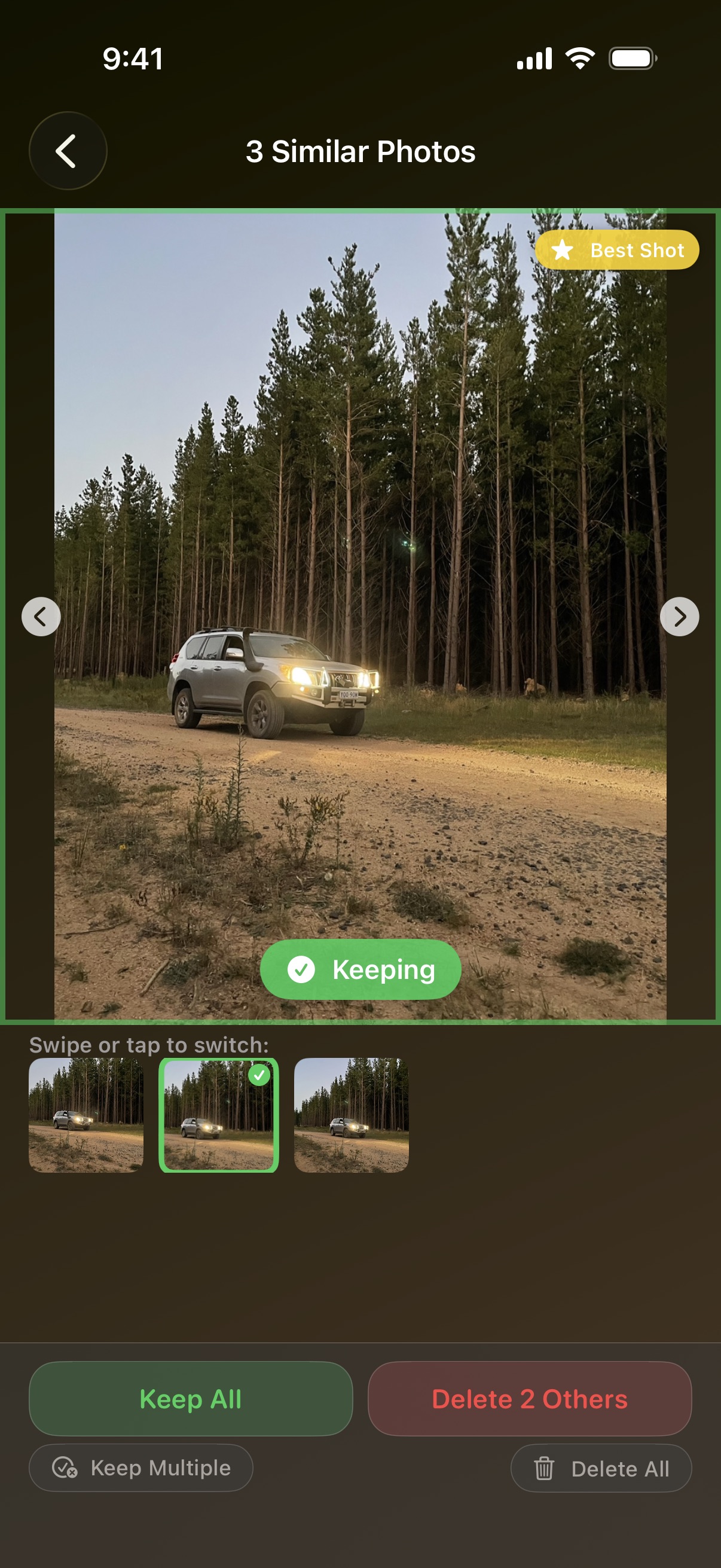
Select which photos to delete
Dupie automatically selects the lower-quality copies for deletion. You can agree with its suggestion or tap to change your selection. The recommended photo to keep is highlighted with a green checkmark.
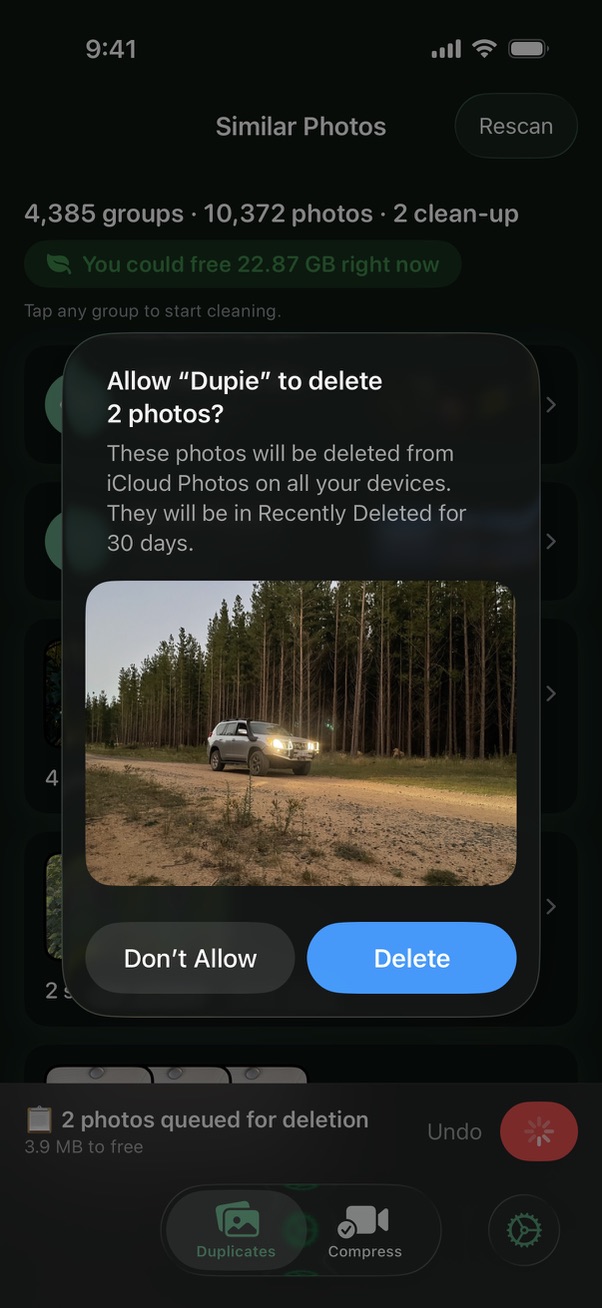
Delete and free up space
Duplicate photos get batched up for deletion. Once you're done, tap the delete button and confirm. The duplicates move to your iPhone's Recently Deleted album — they stay there for 30 days so you can restore anything if needed. Dupie shows you exactly how much storage you've just recovered.
Ready to clean up your camera roll? Dupie is free to download and starts finding duplicates immediately.
Download Dupie Free →