Open Dupie and go to Live Photos
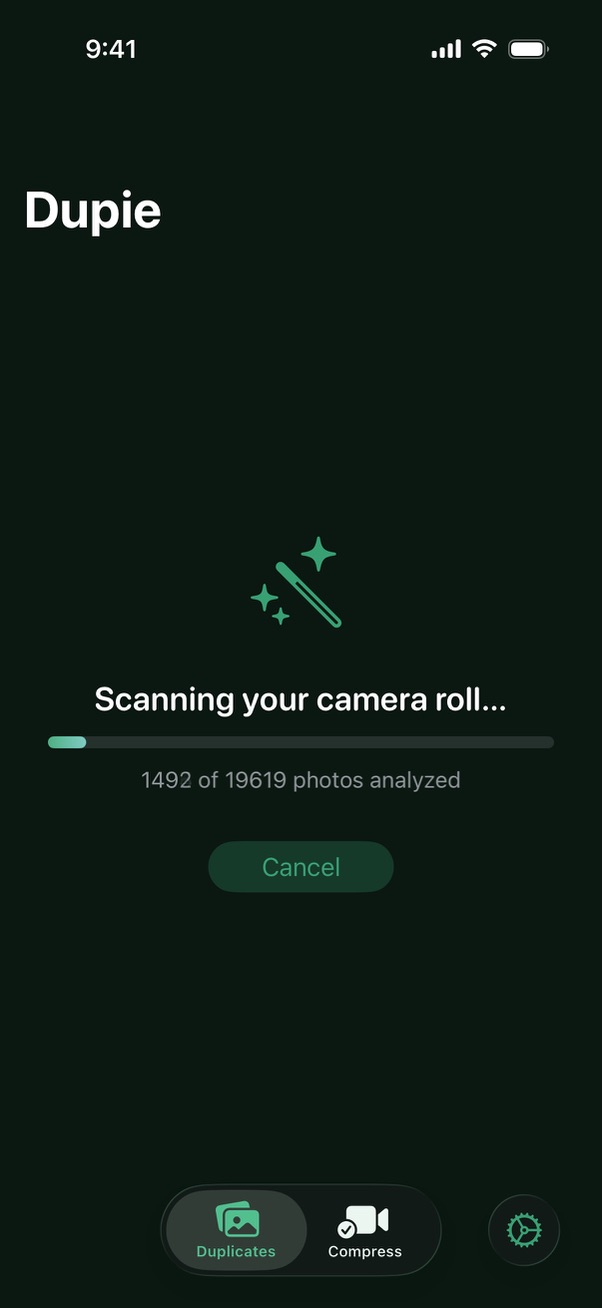
Open Dupie on your iPhone. If prompted, tap Allow Full Access to let Dupie scan your photo library. Then tap Live Photos on the main screen. Dupie scans your library and shows you every Live Photo, grouped together with a summary of the total storage their motion data is using.
Select which Live Photos to convert
Browse your Live Photos and tap to select the ones you want to convert. Tap the icon on the left of any photo to preview the Live Photo motion before converting. Tap Select All to convert your entire Live Photo library at once.
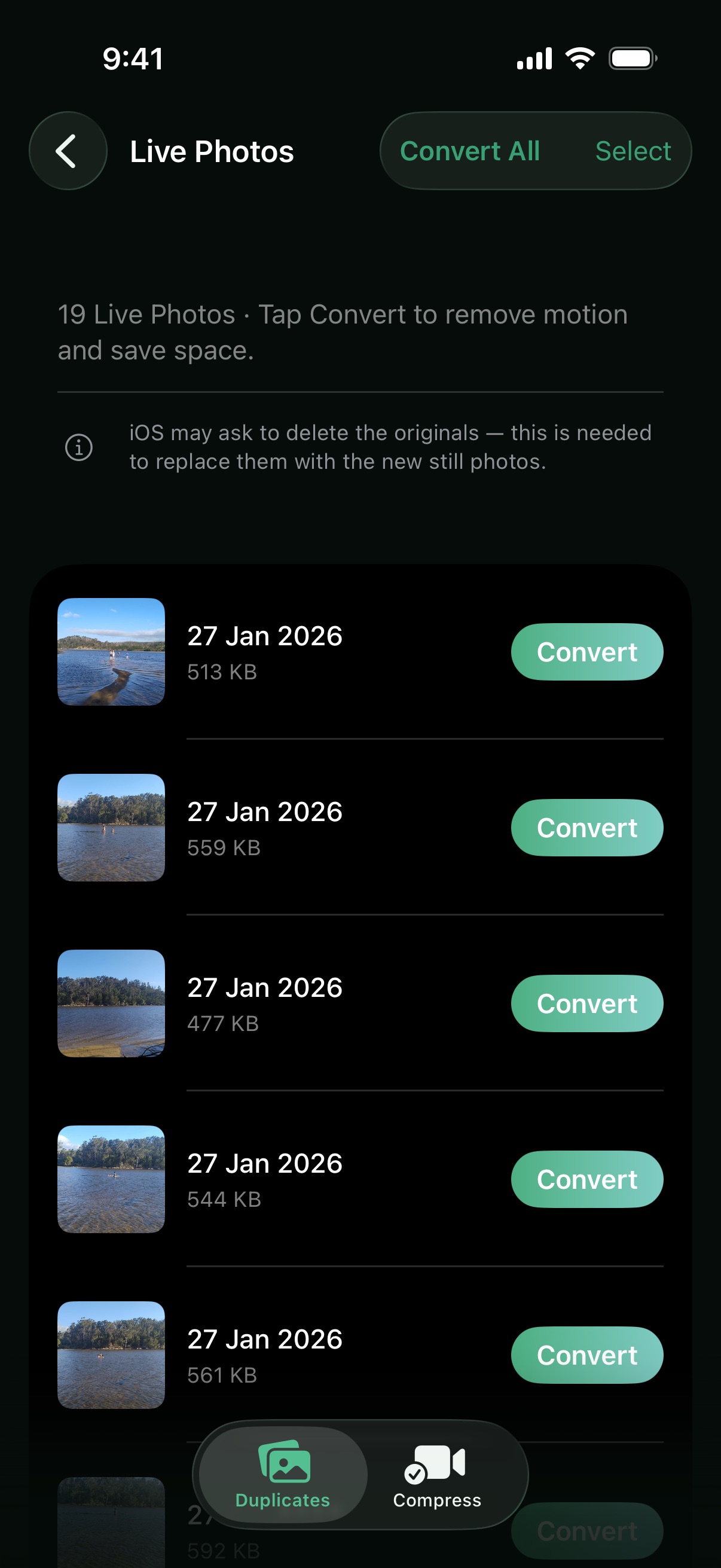
Tap "Convert to Still"
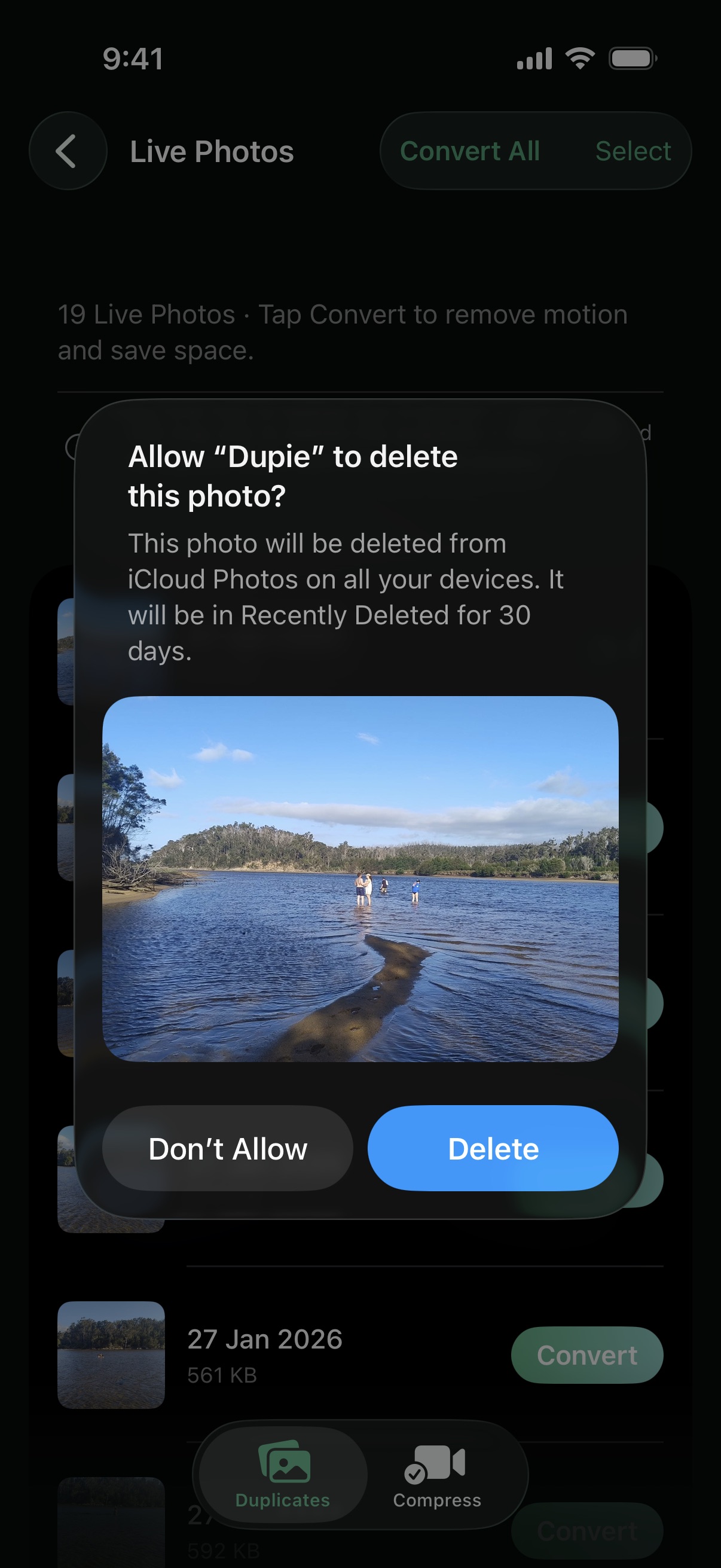
Tap Convert to Still. iOS will prompt you to confirm the deletion of the motion data — when using Convert All, this prompt only appears once. Dupie strips the motion clip from each selected Live Photo, converting it to a standard JPEG still. The photo you see in your library is preserved exactly — only the hidden video clip is removed.
How many Live Photos are in your library? Download Dupie to find out — and free up that storage in minutes.
Download Dupie Free →